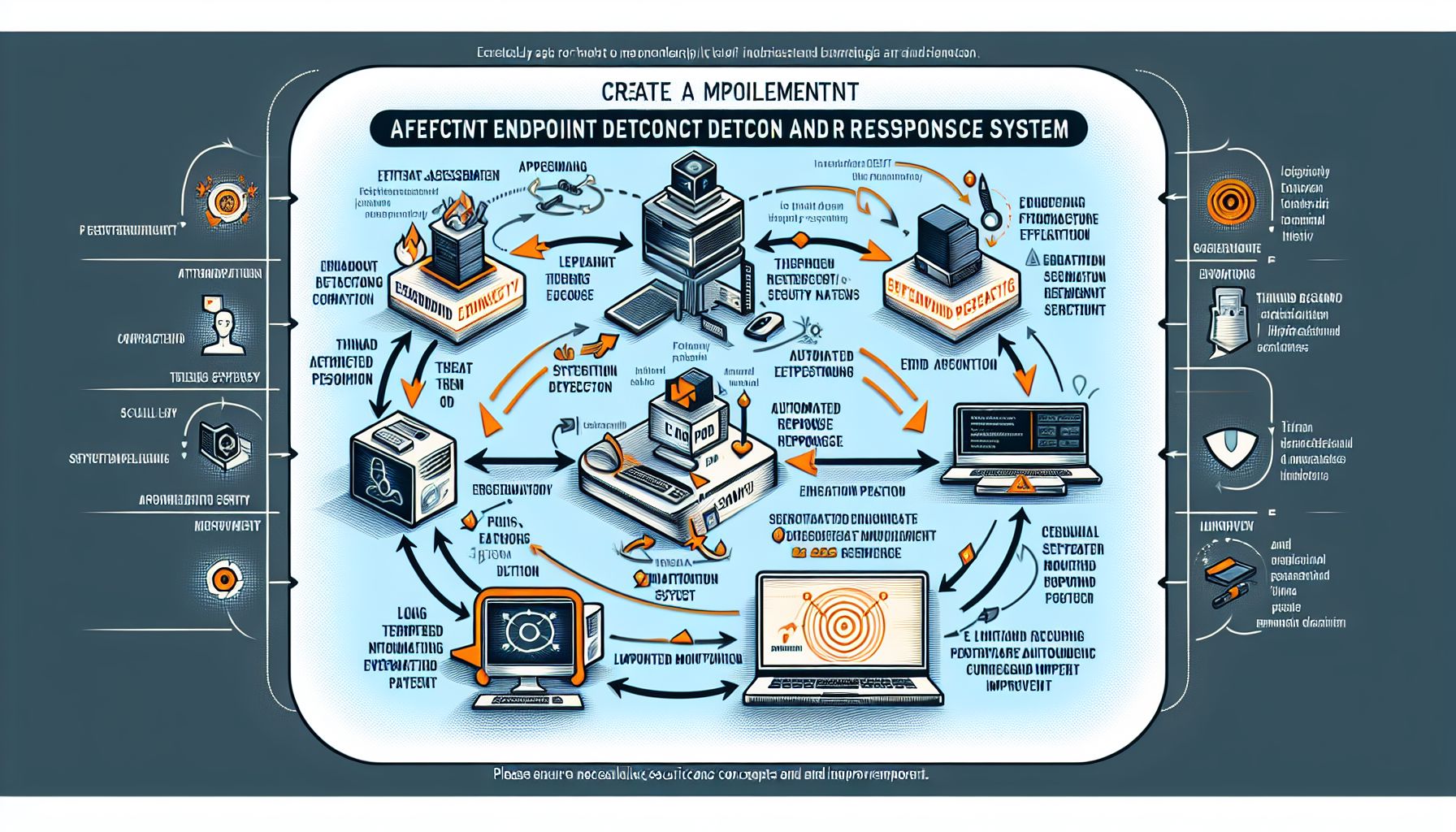
Endpoint Detection and Response (EDR) systems play a vital role in securing Linux environments. As cyber threats increase, organizations need to protect their Linux systems effectively. This article covers the steps to implement EDR successfully on Linux, highlights its benefits, and offers advice on achieving optimal results.
Understanding EDR
EDR solutions enhance security by detecting threats and responding to incidents on endpoints. An endpoint is any device connected to a network, including servers and workstations. EDR tools collect data from these endpoints and help identify suspicious activity, enabling quicker responses.
Why Use EDR on Linux?
Linux systems run many servers, including those for web applications and databases. They are often targets for attacks. EDR provides multiple advantages:
- Real-Time Monitoring: EDR closely monitors system behavior, identifying unusual activities.
- Quick Response: EDR tools can automate responses to threats, reducing damage.
- Comprehensive Forensics: EDR collects and analyzes data, helping organizations understand incidents better.
- Improved Compliance: Many industries have regulations requiring strong security measures. EDR helps meet these requirements.
Choosing the Right EDR Solution
Selecting the right EDR solution involves several considerations:
- Compatibility: Ensure that the EDR tool works well with your Linux distribution and infrastructure.
- Performance: Look for a tool that does not slow down your systems. Lightweight solutions usually perform better.
- Ease of Use: Ensure the user interface is user-friendly. Complex systems can hinder effective use.
- Support and Updates: A good EDR provider should offer support and regular updates to address new threats.
- Price: Evaluate your budget against the features offered. Choose a solution that provides value for money.
Steps to Implement EDR on Linux
Implementing EDR on a Linux system involves several steps. Follow this guide for a streamlined process.
1. Assess Your Environment
Conducting a thorough assessment is crucial. Identify all Linux endpoints in your network and evaluate existing security measures. This information will guide your EDR implementation.
2. Install the EDR Software
Once you select an EDR solution, install the software on your Linux endpoints. Follow the vendor’s installation instructions closely. It usually involves downloading a package and executing it via the command line.
3. Configure Settings
After installation, configure the EDR tool settings. Key settings include:
- Sensor Deployment: Ensure sensors are set up on all Linux endpoints for complete coverage.
- Policy Management: Define security policies that the EDR should enforce. This could include rules for blocking suspicious files or activities.
- User Access: Set user roles and permissions regarding the EDR tool. Ensure only authorized personnel can access sensitive data or make changes.
4. Monitor Activity
After setup, start monitoring activity closely. Track the alerts generated by the EDR system. Check the system logs daily to identify any potential threats early.
5. Train Your Team
Provide training for your IT team and security personnel on how to use the EDR tool effectively. This training should cover alarm interpretation, incident response processes, and system maintenance.
6. Test the System
Conduct regular tests to ensure the EDR system works as expected. Simulate attacks to see how well the EDR detects and responds. This practice helps refine configurations and improve overall security.
7. Review and Optimize
Regularly review the EDR system’s performance. Adjust settings and update policies based on new threats and changes in the environment. Keep abreast of industry trends to ensure continued effectiveness.
Examples of Effective EDR Solutions for Linux
- CrowdStrike Falcon: This cloud-based solution provides excellent threat detection and response capabilities. It is suitable for various Linux distributions.
- Carbon Black: Known for its strong prevention capabilities, Carbon Black offers comprehensive visibility and response features.
- OSSEC: A free, open-source EDR option, OSSEC is excellent for those on a budget. It provides log analysis, intrusion detection, and real-time alerts.
Pros and Cons of EDR for Linux
Pros
- Enhanced Security: EDR tools offer deeper visibility into endpoint activities, improving detection and response to security incidents.
- Automation: Many EDR systems automate threat responses, allowing teams to focus on more strategic tasks.
- Data Analysis: EDR tools analyze vast amounts of data quickly, providing insights into potential vulnerabilities.
Cons
- Cost: Some EDR solutions can be expensive. Budget constraints may limit options for small organizations.
- Complexity: Not all solutions are easy to implement. Some may require extensive training and support.
- False Positives: EDR systems can generate false alerts, leading to alarm fatigue among security teams.
Conclusion
Implementing EDR for Linux systems fortifies your security posture. By selecting the right solution and following a clear implementation process, organizations can protect themselves against various threats. Continuous monitoring, regular testing, and optimization ensure ongoing protection. Investing in EDR tools is a proactive step towards maintaining robust security, keeping your Linux environments secure against potential attacks.